Home Assistant · SNMP · read only
Managed Switch
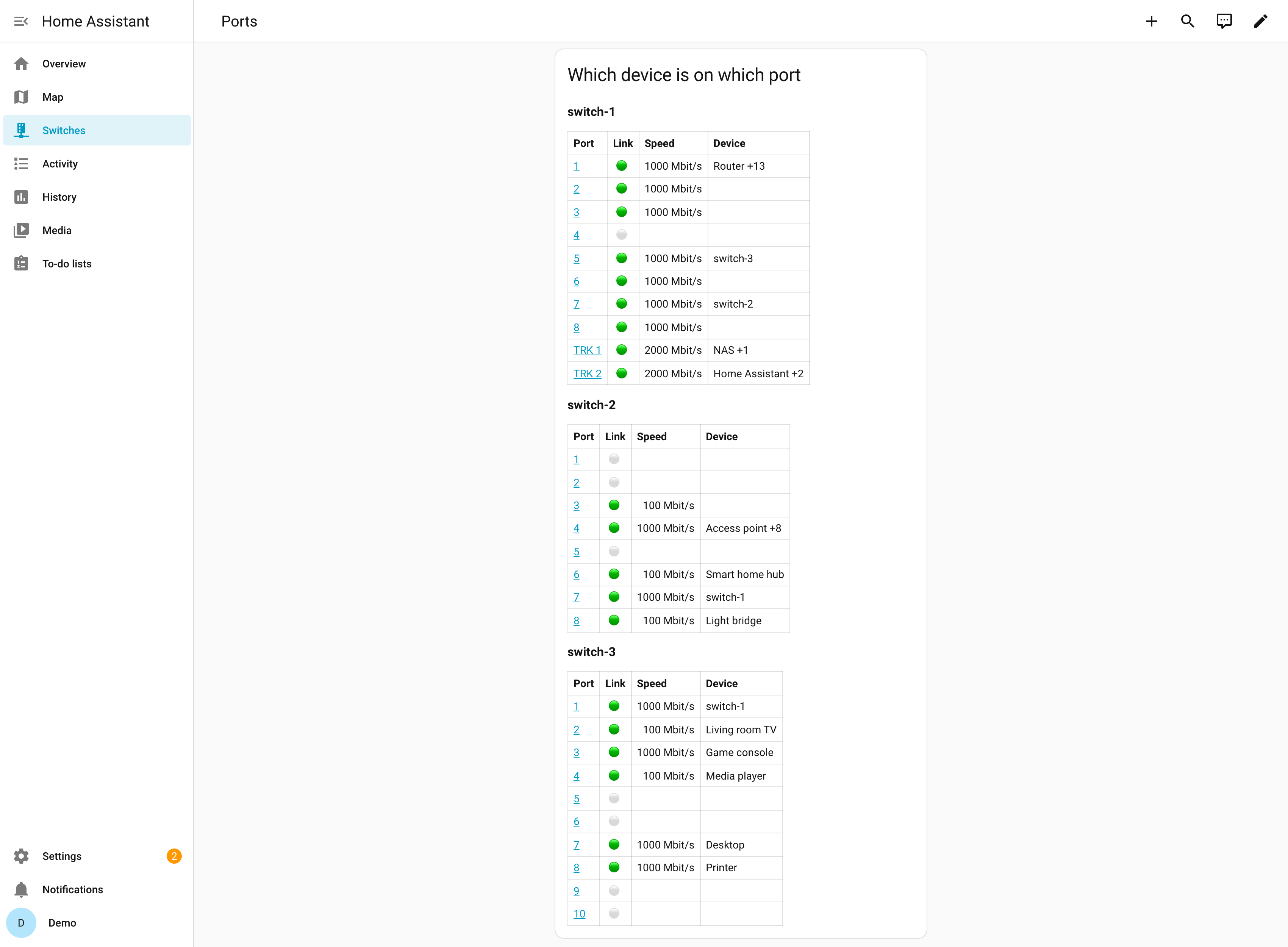
Every port of your managed switches in Home Assistant: link, speed, PoE, traffic, and which device is connected where, across all your switches.
- Installation
HACS, then one entry per switch. - Configuration
SNMP access on the switch, setup, options. - Entities
Switch and port sensors, what each means. - Events
Uplink down, slower port, restart, new device, with a blueprint. - Dashboard
A port overview of all switches to paste. - Troubleshooting
Timeouts, rejected users, missing ports.
Before you start
- Home Assistant 2026.10.3 or newer.
- Read-only SNMP access on every switch (SNMPv3 recommended, v2c works): SNMP access.
- LLDP on on every switch, and all switches added, so the links between them are recognised.
- Tested on HPE OfficeConnect 1920S and HPE Instant On 1930; other managed switches with the standard MIBs are expected to work. Reports are welcome in the issues and discussions.
How it finds where a device is
Every switch learns the MAC addresses on its ports. The integration reads the address tables of all your switches, recognises the links between them through LLDP, and places each device on the one port that is not such a link. The name comes from Home Assistant's device registry: a device that another integration (your router, a smart TV, a speaker) knows by its MAC address gets that name. Details: Locating devices in the library's documentation.
Not affiliated with any switch vendor. Product names are trademarks of their owners.